
Preparing your product catalog before launching an online store means getting every product ready to be found, understood and trusted: clear categories, consistent photos, unique descriptions, logical product codes, honest prices, and shipping and stock information that matches reality. The platform gets all the attention during the build, but the catalog is what the customer actually sees.
This guide walks you through that preparation step by step, written for business owners, not developers. Do this work before launch, and the build goes faster, the launch goes more smoothly, and the first impression your store makes is far stronger.
In short
- Start with structure: decide your categories and filters before you touch a single product.
- Photos are the product online, so keep background, lighting and framing consistent across the whole catalog.
- Every description should inform, persuade and reassure, in your own words, not copied manufacturer text.
- Give every product and variant a logical SKU, plan variant combinations in advance, and price with all real costs included.
- Write specific, scannable product titles using the words customers actually search for, with the most important words first.
- State stock levels and delivery times honestly on product pages, and settle your shipping logic before launch.
- Run the pre-launch checklist at the end of this guide, including a full test order, before you call the store ready.
Contents
- How should you structure your catalog before adding products?
- What makes product photography work online?
- How do you write product descriptions that actually sell?
- How do SKUs, variants and pricing keep your store manageable?
- How should you write product titles customers can find?
- What should you decide about stock and shipping before launch?
- What does the pre-launch catalog checklist cover?
- Is your catalog ever really finished?
- Frequently asked questions
1. How should you structure your catalog before adding products?
Before touching a single product, decide how your store is organized. Customers do not browse a pile of products; they browse categories. Think like a customer walking into your shop: what signs would they look for?
A good category structure is shallow and intuitive: two or three levels at most, with names your customers actually use, not internal jargon. “Women’s running shoes” beats “Performance footwear FW26” every time. If you have more than a handful of products, also plan your filters: size, color, price range, material. Filters are what turn a 200-product catalog from overwhelming into shoppable.
Write the full category tree on paper first. Moving products between categories after launch is tedious; getting it right upfront is free.
2. What makes product photography work online?
Online, your photos are the product. Customers cannot pick it up, feel the fabric or check the size, so your images have to do all of that work. You do not need a professional studio on day one, but you do need consistency and honesty.
- Consistency matters more than perfection: same background, same lighting, same framing across all products. A catalog where every photo looks different feels amateur, even if each photo is decent on its own.
- Show the product in context: one clean shot on a plain background plus one or two lifestyle shots (the product in use, on a person, in a room). Context answers the customer’s real question: “what will this look like in my life?”
- Include the details: close-ups of texture, closures, labels, packaging. Zoom in on what you would inspect in a physical shop.
- Be honest: accurate colors, real proportions. Photos that oversell create returns, bad reviews and refund costs.

A smartphone with decent light near a window can produce perfectly usable product photos for launch. What you cannot skip is the time: photographing, selecting and editing images for a whole catalog takes far longer than anyone expects. Start early.
3. How do you write product descriptions that actually sell?
“High-quality product, great design” describes nothing and sells nothing. A good product description does three jobs: it informs (materials, dimensions, what is included), it persuades (why this one, for whom, what problem it solves) and it reassures (shipping, returns, guarantees).
A practical structure that works for most products:
- Opening line: what it is and who it is for, in one sentence.
- Key benefits: three to five bullet points with the facts that matter (dimensions, materials, compatibility, care instructions).
- The story: a short paragraph with the human angle: how it is made, why it is different, when to use it.
- The reassurance: shipping times, return policy, warranty, linked near the buy button.
Write for humans first and search engines second. Yes, unique descriptions help with SEO, but a description written only for search engines reads terribly to the person holding the credit card. And never copy the manufacturer’s text verbatim if you can avoid it: if ten stores sell the same product with the same description, yours has no reason to be chosen.
4. How do SKUs, variants and pricing keep your store manageable?
This is the unglamorous foundation that determines whether your store is manageable or a mess six months from now.
SKUs (product codes): give every product, and every variant, a unique, logical code from day one. “TSHIRT-M-BLK” beats “product-47”. You will thank yourself when managing stock, talking to suppliers or handling returns. Decide the format once and apply it to everything.
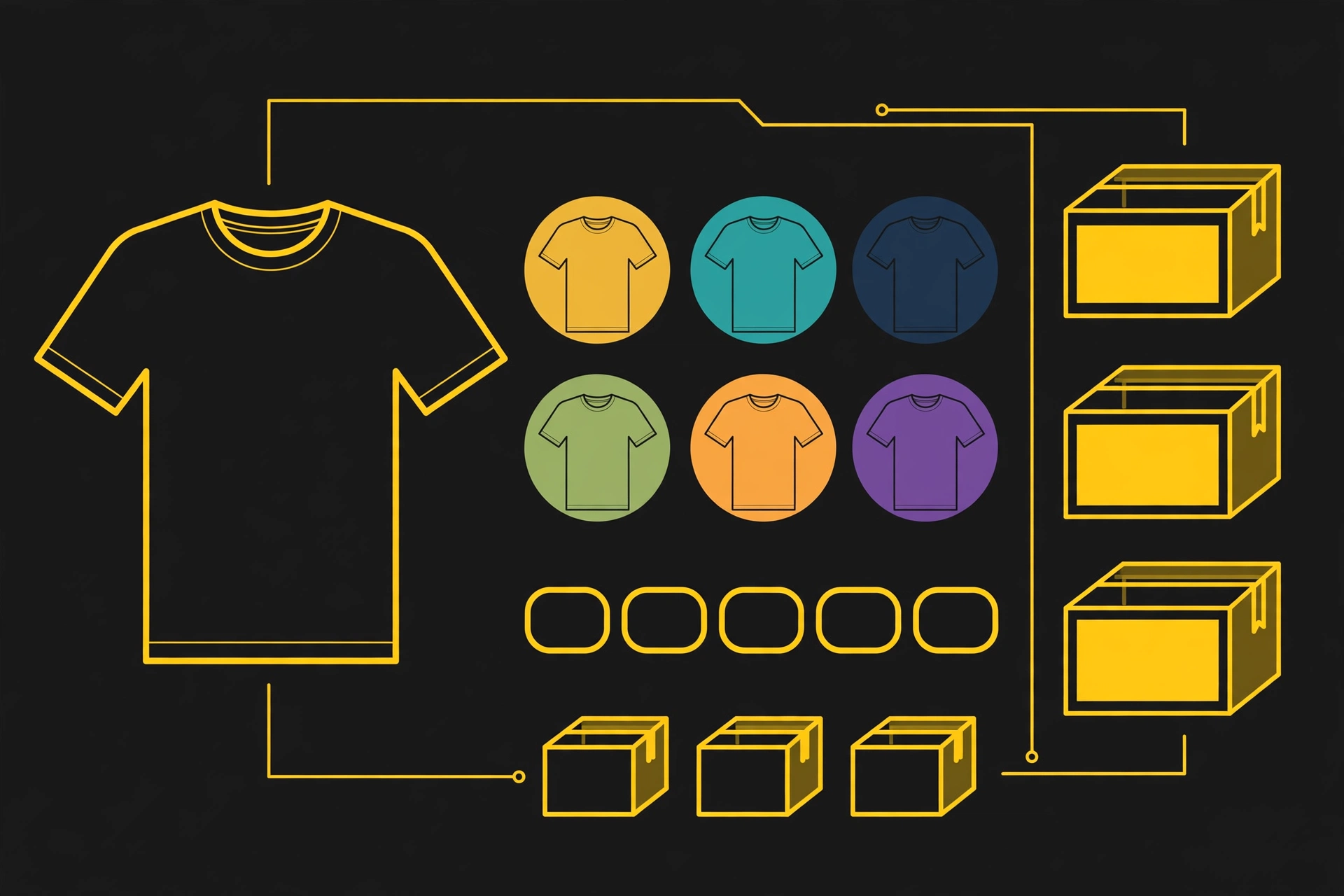
Variants: size, color, material. Plan how they combine before uploading. A t-shirt in 5 sizes and 4 colors is 20 variants, each needing its own stock count and ideally its own photo. Catalogs explode in complexity here; keep variant combinations as tight as you honestly need for launch. You can always add more later.
Pricing: set your prices with all costs in mind: product cost, payment processing fees, shipping, packaging, returns and taxes. Price too low and you will work for nothing; price without accounting for fees and you will discover your margin was imaginary. And decide your pricing approach upfront: consistent endings, clear sale logic, no random discounts that train customers to wait.
| Catalog element | Ready for launch | Not ready yet |
|---|---|---|
| Categories | Shallow structure, two or three levels, with names customers actually use | Internal jargon or a long pile of products with no clear signs |
| Photos | Consistent background, lighting and framing, plus context and detail shots | Photos that all look different, or a single shot with no detail |
| Descriptions | Unique text written for humans, with key facts in bullet points | Copied manufacturer text that reads the same in every store |
| SKUs and variants | One logical code per product and variant, combinations planned in advance | Vague codes like product-47, or variants added without a plan |
| Prices | All real costs included: product, fees, shipping, packaging, returns and taxes | A price set without fees or shipping, leaving the margin to chance |
| Stock and shipping | Accurate stock counts and delivery times stated on product pages | Stock and shipping surprises that only appear at checkout |
The table above is a quick self-check: if any row still sits in the right-hand column, that part of the catalog is not ready yet. Fix it before launch, when changes are still cheap.
5. How should you write product titles customers can find?
Product titles deserve their own mention because they do quiet, constant work. A good title is specific, scannable and uses the words customers actually search for: “Men’s waterproof hiking boots – brown leather” tells everyone everything; “Mountain Pro X200” tells no one anything.
Put the most important words first, since titles get cut off on mobile and in search results. Keep a consistent format across the catalog so products feel like a family, not a random collection. And resist keyword stuffing: a title written for search engines alone reads terribly to the human holding the credit card, and humans are the ones who buy.
6. What should you decide about stock and shipping before launch?
Nothing kills trust faster than buying something that turns out to be out of stock. Before launch, decide: will you show real-time stock levels? Will you sell products you do not have in hand (dropshipping or made-to-order)? Whatever you choose, be transparent about delivery times on every product page.
Prepare your shipping logic in advance: which zones you ship to, what it costs, how long it takes, where the free-shipping threshold sits (if you offer it). Shipping surprises at checkout are one of the top reasons carts get abandoned, so this is not logistics trivia: it is conversion strategy.
7. What does the pre-launch catalog checklist cover?
Run through this list before you call the store “ready”:
- Every product has at least three decent, consistent photos.
- Every product has a unique description written for humans, with key specs in bullets.
- Categories and filters make sense to someone who has never seen your business.
- Every product and variant has a logical SKU.
- Prices include all your real costs and taxes are configured correctly.
- Stock counts are accurate, or out-of-stock behavior is clearly defined.
- Shipping costs and delivery times are stated on product pages, not just at checkout.
- Legal pages exist: returns, privacy, terms of sale.
- You have placed a full test order, including a refund, and everything worked.
8. Is your catalog ever really finished?
Here is the liberating truth: your catalog will keep evolving after launch. You will add products, improve photos, rewrite descriptions based on the questions customers actually ask. The goal of preparation is not perfection: it is launching with a catalog that is complete, honest and coherent enough to sell from day one.
The stores that struggle are rarely the ones with imperfect photos. They are the ones that launched with a half-empty catalog and “we will finish it later” energy. Do the work upfront, launch with confidence, and improve from real customer feedback instead of guesses.
Frequently asked questions
How many photos should each product have?
At least three decent, consistent photos: one clean shot on a plain background, one or two shots showing the product in context, and close-ups of the details a customer would inspect in a physical shop, such as texture, closures, labels and packaging.
Should I copy the manufacturer's product description?
Avoid it if you can. If ten stores sell the same product with the same description, yours has no reason to be chosen, and a description written for humans, with your own opening line, key benefits, story and reassurance, serves both customers and search much better.
What makes a good SKU?
A good SKU is unique and logical, so anyone on your team can read it: a code like TSHIRT-M-BLK says product, size and color at a glance, while a vague code like product-47 says nothing. Decide the format once, then apply it to every product and variant.
How many variants should I launch with?
As few as you honestly need. Variant combinations multiply fast: a t-shirt in 5 sizes and 4 colors is already 20 variants, each needing its own stock count and ideally its own photo. Keep the launch range tight; you can always add more later.
What should I do before calling the store ready?
Work through the pre-launch checklist in this guide, and place a full test order, including a refund, to confirm that ordering, payment, stock and refunds all work end to end. If anything in that test fails, fix it before launch, not after real customers find it.
Get help launching your online store
If you are planning your store and want the technical side handled with the same care you are putting into the catalog, contact us here or write to us on WhatsApp and tell us where your catalog stands: we will help you get it launch-ready.